
A vape blinking at you instead of firing is one of the most common questions we hear. The good news is that the light is rarely random. On most pod kits and vape pens, a flashing LED is the device’s way of telling you something specific, whether that is a flat battery, a pod it can’t read, or a safety cut-off kicking in.
This guide explains what the usual vape flashing light patterns mean, how to work out which one you are seeing, and the simple fixes that sort most of them in a couple of minutes.
Why Is My Vape Blinking? The Short Answer
Every brand uses its own code, so your user manual is always the final word. That said, most refillable devices follow broadly similar patterns. If your vape is blinking, it is usually one of these:
- Low battery – often several flashes when you press the button or draw, and the device won’t fire.
- No pod or pod not detected – the device can’t see the coil, commonly because of dirty contacts or a pod that isn’t seated properly.
- Short circuit or resistance warning – the coil reading is too low or faulty, so the device refuses to fire.
- Over-time cut-off – you held the button or drew for longer than the device allows (often around 8–10 seconds).
- Locked or power-on/off – a run of rapid presses (frequently five) locks, unlocks, or switches the device on and off.
- Charging status – a pulsing or coloured light while plugged in, which normally stops or changes once charging finishes.
Note how many times the light flashes and in what colour, then work through the sections below.
Vape Flashing Light Meanings Explained
Low battery flashing
A flat or nearly flat battery is the most common cause. Many devices flash a set number of times when you try to vape with too little charge. Plug it in using the cable supplied and give it a proper charge before trying again. If it still blinks after a full charge, the battery may be wearing out, and our guide to a vape not turning on walks through the next checks.
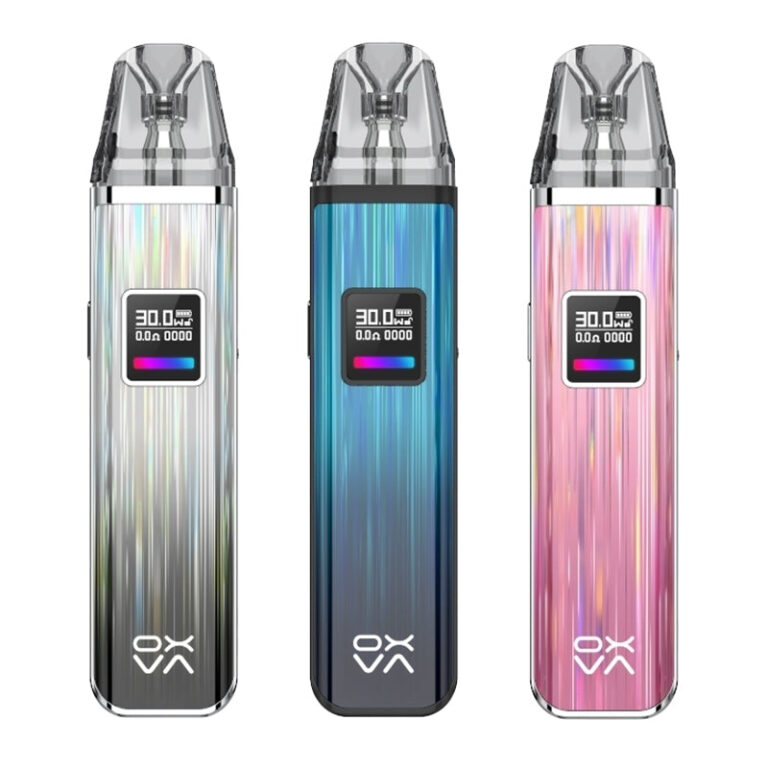
Devices with an RGB or colour-changing light, such as the Oxva Xlim Pro pod kit, often use colour as well as flashes to show battery level. Its listing describes a 1000mAh battery, adjustable airflow and an eye-catching RGB light, so a colour change on firing is normal behaviour rather than a fault.
Pod not detected or no atomiser
If the light flashes as soon as you insert the pod, or whenever you draw, the device probably can’t read the coil. Typical causes are e-liquid or condensation on the gold contacts, a pod pushed in at an angle, or a pod that has simply reached the end of its life.
- Remove the pod and dry the contacts on both the pod and device with a tissue or cotton bud.
- Reseat the pod firmly until it clicks or sits flush.
- Try a fresh pod. If the new one works, the old coil has failed.
- Check the pod is the correct one for your device – a lookalike pod may not connect.
Pods do wear out, and a pod that has started causing detection errors is usually close to replacement. Our guide on when to change vape pods covers the other signs to look for.
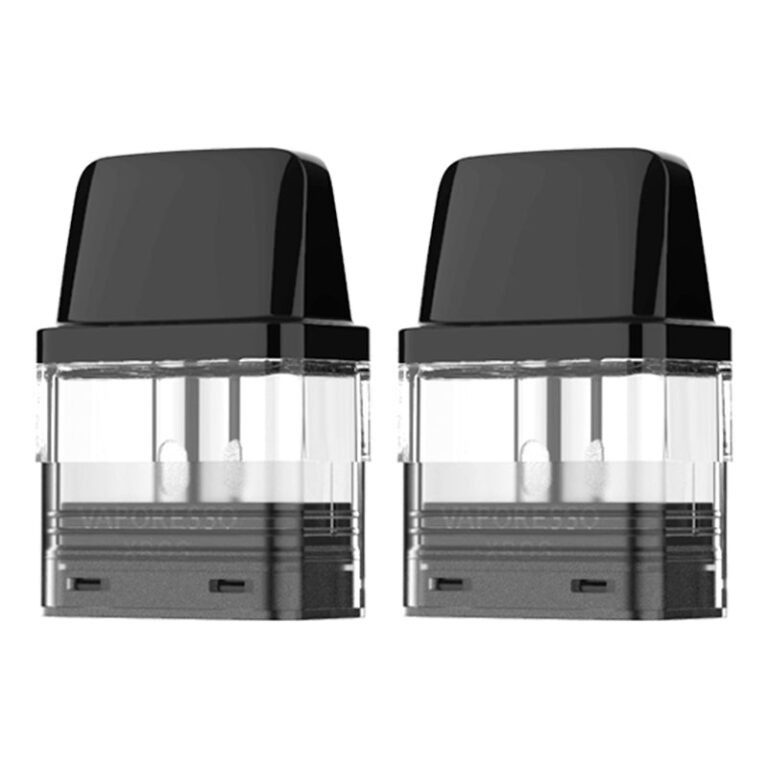
Always match the pod to the kit. For example, the Vaporesso XROS 0.8 ohm pods are listed as compatible with the Xros, Xros 2 and Xros Mini kits, while the Oxva Xlim range uses its own Xlim top fill pods. You can browse our full range of replacement vape pods by brand to find the right fit.
Short circuit or low resistance warning
Some devices flash a distinct pattern when they detect a short or a resistance outside their safe range. Stop vaping, take the pod out and check for liquid pooling around the connection. Clean and dry everything, then try a different pod. If the warning comes back with a known-good pod, the device itself may have a fault and should not be used.
Over-time cut-off
Most pod kits stop firing after a set number of seconds and blink to tell you so. This is a built-in protection, not a fault. Release the button or stop drawing, wait a moment, and take shorter puffs.
Lock mode and power on/off
On button-fired devices, five quick presses commonly switch the device on or off or toggle a lock. If your vape blinks and does nothing when you press the button, try five rapid presses and test it again.
Vape Blinking While Charging
A light that pulses or changes colour while plugged in is normally just showing charge status. What matters more is how you charge:
- Use the cable supplied, or a reputable equivalent, and a suitable USB power source.
- Charge on a hard surface, not on bedding or soft furnishings.
- Unplug once charged rather than leaving it plugged in for long periods.
UK fire services advise against charging lithium-ion devices while you are asleep or away. Cheshire Fire and Rescue Service’s lithium-ion battery advice says to unplug and stop using any device that feels extremely hot or shows a bulging or swollen shape, and never to try to open or repair it yourself. Our vape battery safety tips cover safe charging and storage in more detail, and you will find spare cables and chargers in our batteries and chargers range.
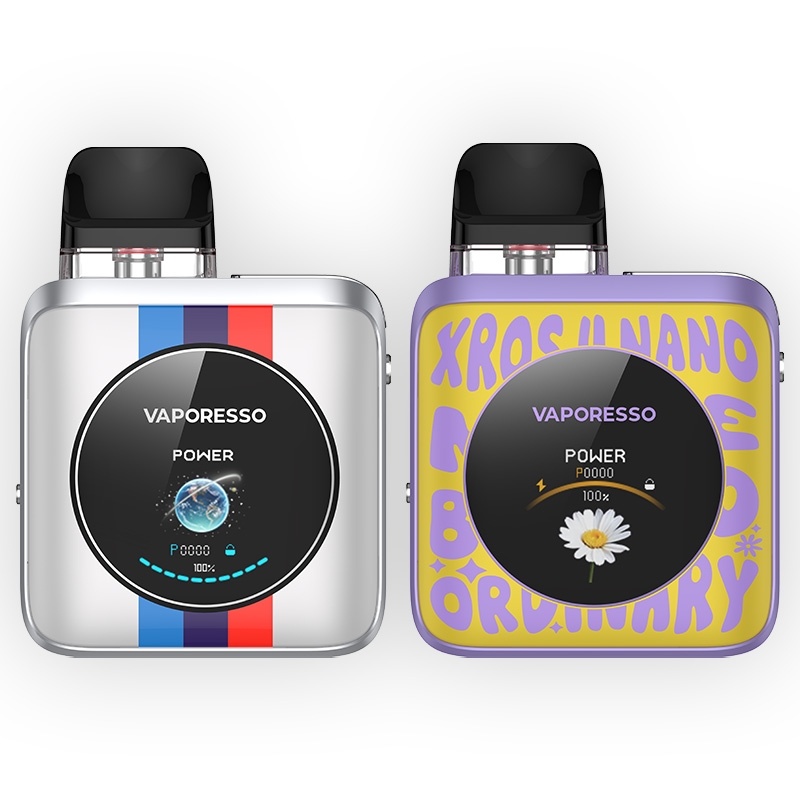
Screen-based kits make diagnosis easier because the display shows a message rather than a flash code. The Vaporesso Xros 4 Nano pod kit, for instance, is listed with a 1.3″ TFT colour display, a built-in 1350mAh battery and Type-C charging, so battery level and pod status are shown on screen.
When a Flashing Vape Means Stop
Most blinking is harmless and easy to fix. However, stop using the device straight away if the flashing comes with any of the following:
- The device gets hot in your pocket or while idle.
- The casing looks swollen, cracked or damaged.
- You notice a burning smell, hissing or smoke.
- The same short-circuit warning appears with several different pods.
If you believe a nicotine-containing vape has caused a safety concern or isn’t working to the manufacturer’s specification, the MHRA asks for it to be reported through the Yellow Card scheme for e-cigarettes. Keep the device and packaging, and don’t put a damaged battery in household waste.
Vape Blinking FAQs
Why is my vape blinking 3 times?
On many devices, three flashes point to low battery or a pod connection problem, but codes vary by brand. Charge the device first, then clean and reseat the pod. Check your manual for the exact meaning.
Why does my vape blink when I put a new pod in?
Usually the device is detecting the new coil, which is normal. If it keeps blinking and won’t fire, dry the contacts, reseat the pod and confirm it’s the correct pod for your kit.
Is a blinking vape dangerous?
Usually not. Blinking is normally a warning that stops the device firing. Stop using it if it also gets hot, swells, smells of burning or hisses.
Why is my vape blinking after charging?
If it still flashes when fully charged, the issue is likely the pod or contacts rather than the battery. Try a fresh pod. If that doesn’t help, the battery may be worn out.
This guide is for adults aged 18 and over. Most vapes and e-liquids contain nicotine, which is addictive.